How to Make Dub Techno from Scratch in Ableton
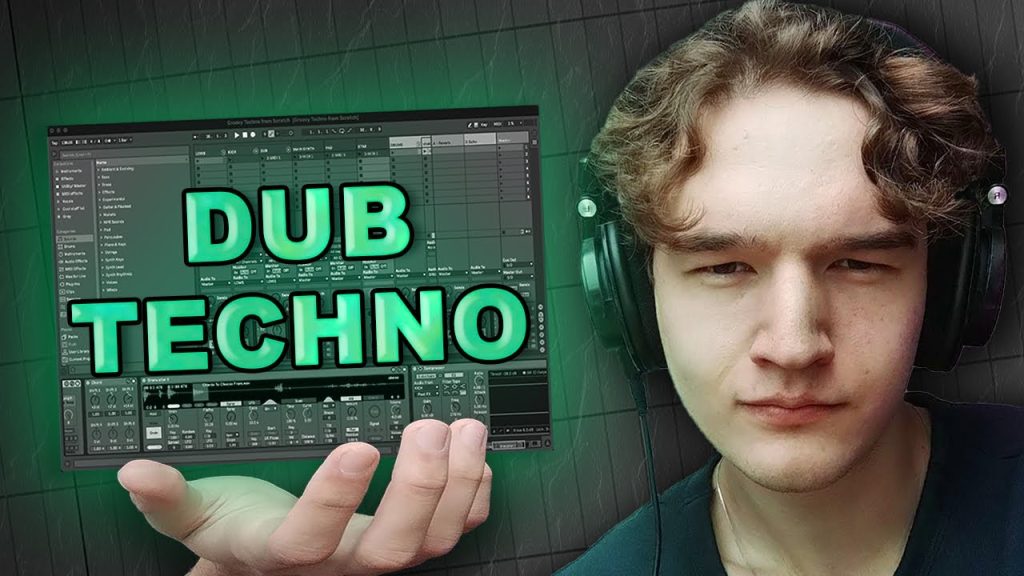
Dub techno is the deep end of the underground: hazy chord stabs drifting through echo, a soft but steady kick, and a groove that feels like it could roll on all night. In this tutorial Myshko Music builds a dub techno track from an empty Ableton Live session, so you watch the whole thing take shape rather than picking apart a finished project. Why it is a fresh way to get producing: dub techno lives or dies on space and patience, and seeing it built in real time shows how much of the vibe comes from delay, reverb and slow movement rather than from piling on extra parts. Keep your DAW open alongside it, pause after each new element and rebuild it with your own sounds. Once your loop is running, ride the delay feedback and filter by hand and record the changes, because those small, constant shifts are what keep a dub techno groove hypnotic instead of static.
Video: “How to make Dub Techno from Scratch – Ableton Tutorial” by Myshko Music on YouTube (11:10). All credit to the creator; please like and subscribe to support them.
Get the plugin: Ableton Live (or any DAW)
Gear we’d use for this
- Arturia MiniLab 3 – 25 keys, 8 pads and knobs to tweak synths, with Analog Lab and Ableton Live Lite included.
- PreSonus Eris 3.5 (Gen 2) – small desktop monitors that are a solid first step up from laptop speakers.
- beyerdynamic DT 770 PRO (80 ohm) – comfortable for long sessions and great for hearing low-end detail.
- Focusrite Scarlett Solo (4th Gen) – a simple, clean USB-C interface for monitors, headphones and one mic or guitar. Works with iPad too.
As an Amazon Associate we earn from qualifying purchases.