
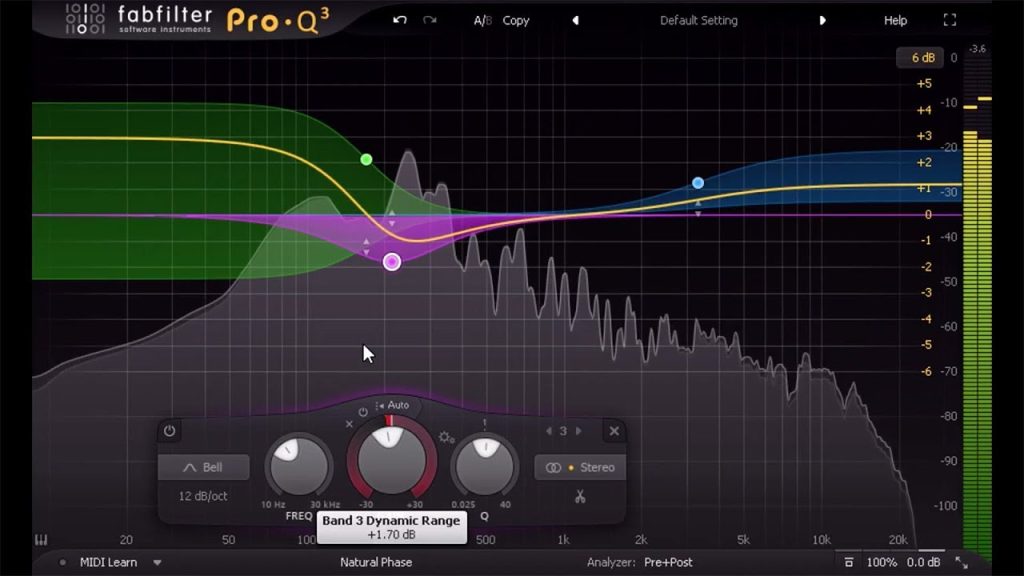
Introduction to FabFilter Pro-Q 3
FabFilter Pro-Q is the EQ you see on almost every professional mix, and this official introduction from FabFilter is the clearest way to learn what it can do. In just over eight minutes you will tour the interface, see how to create and shape bands, and get to know the features that made it an industry standard, such as its spectrum analyser and dynamic EQ. Why it is a fresh way to get producing: good EQ is what separates muddy bedroom mixes from tracks that hit hard on a club system. Learning one EQ properly, rather than switching between many, makes your mixing faster and more confident. Watch with a busy project open and try carving space so the kick and bass stop fighting, a vital skill for techno and DnB. FabFilter has since released Pro-Q 4, but the core workflow in this video applies to both, so it is still a great place to start.
Video: “Introduction to FabFilter Pro-Q 3” by FabFilter on YouTube (8:22). All credit to the creator; please like and subscribe to support them.
Get the plugin: FabFilter Pro-Q 3
Gear we’d use for this
- Audio-Technica ATH-M50x – closed-back studio headphones with punchy, accurate bass for checking kicks and subs.
- beyerdynamic DT 770 PRO (80 ohm) – comfortable for long sessions and great for hearing low-end detail.
- PreSonus Eris 3.5 (Gen 2) – small desktop monitors that are a solid first step up from laptop speakers.
- Focusrite Scarlett Solo (4th Gen) – a simple, clean USB-C interface for monitors, headphones and one mic or guitar. Works with iPad too.
As an Amazon Associate we earn from qualifying purchases.