
Sidechaining in Ableton Live: Pump, Gate and Filter in Five Minutes
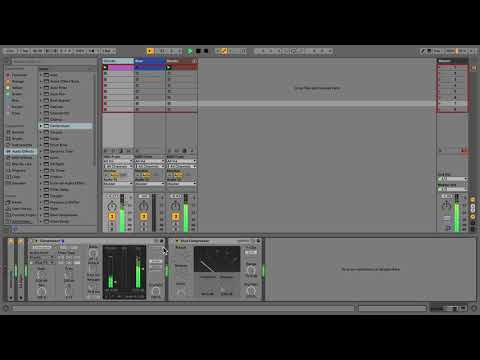
That breathing, pumping pad you hear on every warehouse techno and French house record is sidechain compression, and Ableton’s own Learn Live team explains it properly in just over five minutes. You open the sidechain section on Live’s Compressor, pick the drum track (or a single kick chain inside a Drum Rack) as the input, then pull the Threshold down until the chords duck every time the kick lands. Ratio, Attack and Release shape how hard and how long the dip lasts, and the sidechain EQ lets you key off just the low end when the kick is buried in a full drum loop. It then goes further than most tutorials: using a sidechained Gate so the bass only plays when the kick hits, for a tight, locked low end, and driving the Auto Filter from another track for rhythmic sweeps. Why it is worth your time: once these routings make sense, you stop reaching for presets and start making the groove move on purpose. Try gating a pad to your hi-hats next.
Video: “Learn Live: Sidechaining audio” by Ableton on YouTube (5:03). All credit to the creator; please like and subscribe to support them.
Get the plugin: Ableton Live (Compressor, Glue Compressor, Gate and Auto Filter are all built in), or Xfer LFOTool / Cableguys VolumeShaper for sidechain-style ducking in any DAW
Kit for this
Some links are affiliate links; we may earn a small commission at no cost to you.