
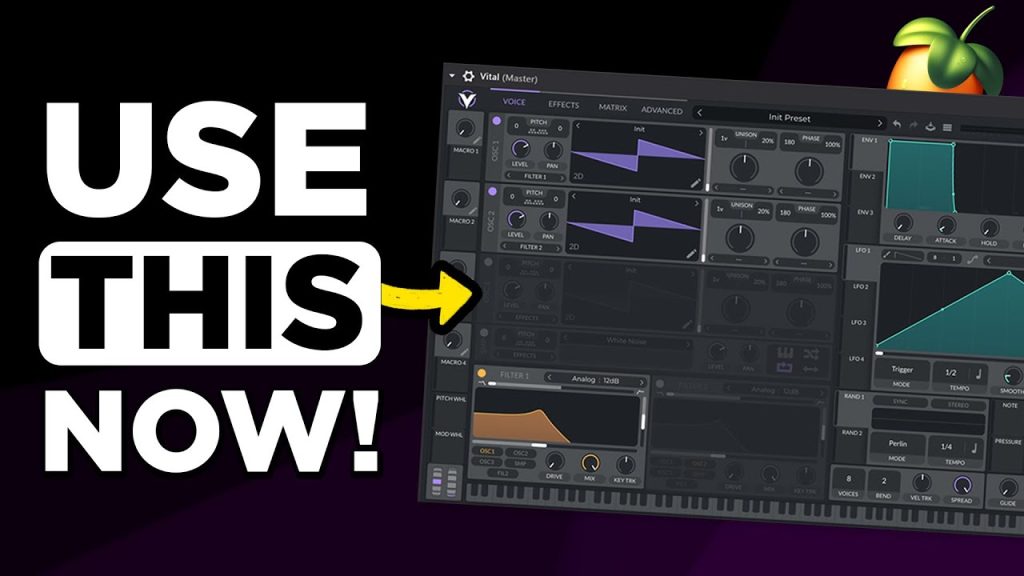
How to Use Vital: Beginner’s Tutorial
Vital is the free wavetable synth that gives Serum a serious run for its money, and it is one of the best things you can install as a new producer on any budget. This five-minute beginner tutorial from FL Studio Basics gives you a quick tour of how Vital works: the oscillators, filters, envelopes and its drag-and-drop modulation, which makes movement easy to add. Why it is a fresh way to get producing: Vital costs nothing for the basic version, so there is no barrier to experimenting. Its visual design shows you exactly what every modulation is doing, which makes it one of the best synths for actually learning sound design rather than just loading presets. Watch the tour, then try making a pluck, a pad and a bass from an init patch. The skills transfer directly to Serum and other wavetable synths, so the time you spend in Vital is never wasted.
Video: “How To Use VITAL – Beginners Tutorial” by FL Studio Basics on YouTube (5:14). All credit to the creator; please like and subscribe to support them.
Get the plugin: Vital (free)
Gear we’d use for this
- Arturia MiniLab 3 – 25 keys, 8 pads and knobs to tweak synths, with Analog Lab and Ableton Live Lite included.
- Akai MPK Mini MK3 – the classic budget beat-maker controller: 25 mini keys and 8 MPC-style pads.
- Audio-Technica ATH-M50x – closed-back studio headphones with punchy, accurate bass for checking kicks and subs.
As an Amazon Associate we earn from qualifying purchases.