Make Your First Beat in Ableton Live
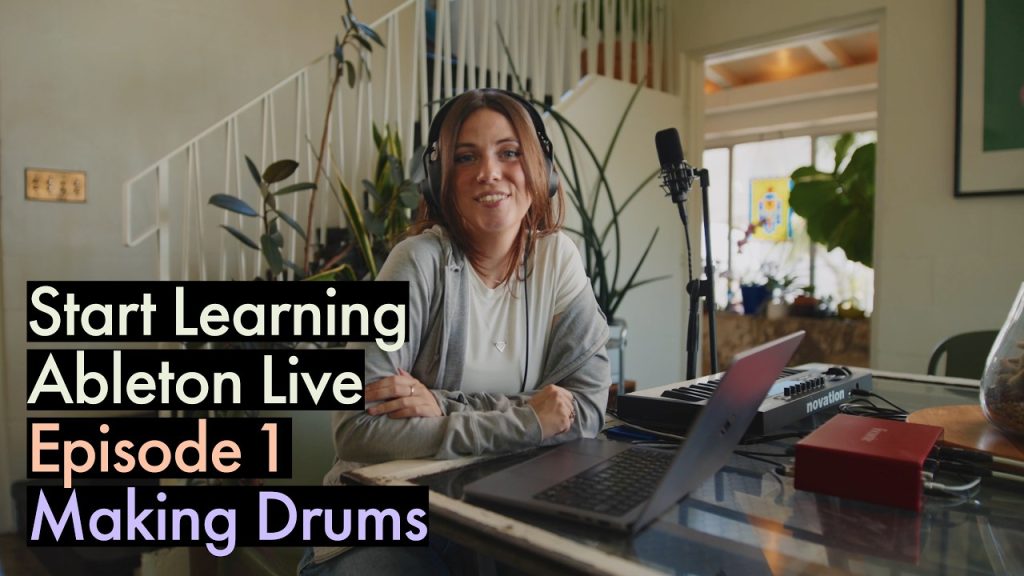
Straight from the people who make it, this official Ableton video is the first episode of their beginner series and takes you from opening Live to making your first beat. If you have just installed Ableton, or tried it once and closed it in confusion, this is the place to start. You will get oriented around the interface, see how clips and tracks work and put together a simple beat. Why it is a fresh way to get producing: Ableton's Session View encourages you to jam with ideas rather than writing tracks left to right, and this video gets you thinking that way from day one. Watch it with Live open, copy every step and you will finish with a real beat, not just notes. Then carry on through the rest of the series. Ableton is a cornerstone of techno, house and live electronic performance, so learning it properly pays off for years.
Video: “Make your first beat in Ableton Live | Beginner Series Ep. 1” by Ableton on YouTube (10:40). All credit to the creator; please like and subscribe to support them.
Get the plugin: Ableton Live 12
Gear we’d use for this
- Novation Launchkey Mini 25 MK4 – tight Ableton/FL integration, 16 pads, scale and chord modes.
- Arturia MiniLab 3 – 25 keys, 8 pads and knobs to tweak synths, with Analog Lab and Ableton Live Lite included.
- Focusrite Scarlett Solo (4th Gen) – a simple, clean USB-C interface for monitors, headphones and one mic or guitar. Works with iPad too.
- Audio-Technica ATH-M50x – closed-back studio headphones with punchy, accurate bass for checking kicks and subs.
As an Amazon Associate we earn from qualifying purchases.