
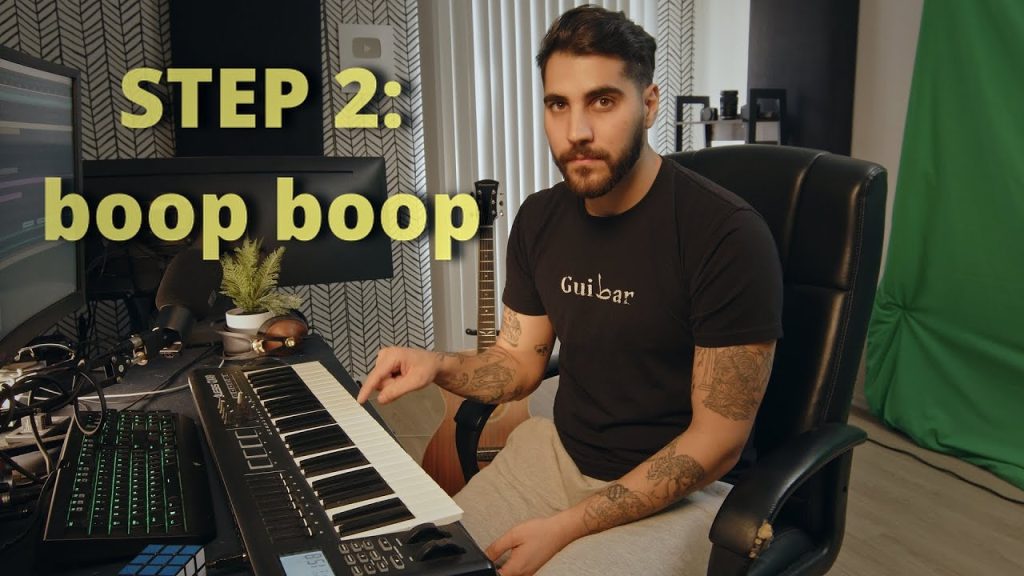
Basically Techno in 6 Steps
Techno looks simple from the dancefloor, but getting that relentless, hypnotic drive in your own sessions is another story. This short walkthrough strips the genre right back to six building blocks, so you can see how a full techno groove stacks up from an empty project. You will see how each layer earns its place, from the kick and the rhythmic backbone through to the elements that keep a loop moving for minutes without boring the room. Why it is a fresh way to get producing: instead of opening a template and tweaking presets, you build the track step by step and understand the job each step does. Keep it running alongside your DAW, pause after every step and copy it with your own sounds. By the end you will have a working techno loop and a repeatable recipe you can twist into harder, darker or more minimal flavours whenever inspiration hits.
Video: “Basically techno in 6 steps” by Rudy Ayoub on YouTube (4:29). All credit to the creator; please like and subscribe to support them.
Get the plugin: Ableton Live (or any DAW)
Gear we’d use for this
- Novation Launchkey Mini 25 MK4 – tight Ableton/FL integration, 16 pads, scale and chord modes.
- Focusrite Scarlett Solo (4th Gen) – a simple, clean USB-C interface for monitors, headphones and one mic or guitar. Works with iPad too.
- Audio-Technica ATH-M50x – closed-back studio headphones with punchy, accurate bass for checking kicks and subs.
As an Amazon Associate we earn from qualifying purchases.